
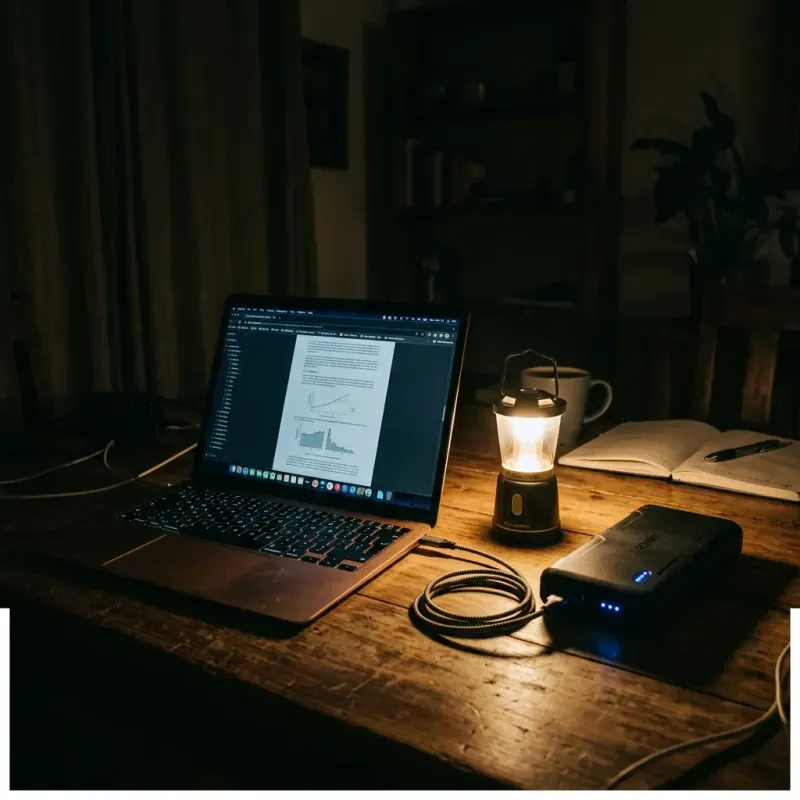
Load shedding is the single biggest practical barrier to remote work in South Africa. Stage 4 or 6 load shedding can mean 8 to 12 hours without grid power per day — enough to derail any home office setup. But tens of thousands of South Africans have solved this problem without spending R100,000 on a full solar system. This guide covers every practical backup power and connectivity solution available in South Africa in 2026, with realistic costs so you can choose what works for your budget and situation.
Understanding the Problem
Load shedding affects three things critical to remote work:
- Your devices: Laptop, monitor, webcam, headset
- Your router and fibre ONT (optical network terminal): Most fibre connections fail during load shedding because the router has no power
- Your mobile data signal: Cell towers also run on backup batteries that deplete during extended outages, degrading data quality
The good news: a laptop with a charged battery already solves problem 1. Problems 2 and 3 require specific solutions.
Solution 1: UPS (Uninterruptible Power Supply) — R800 to R4,000
A UPS is the most accessible and cost-effective solution for most remote workers. A desktop UPS plugs into the wall and runs your router, ONT, and sometimes a laptop during a power outage. Key things to know:
- A basic 600VA UPS (R800–R1,200 from Makro, Builder's Warehouse, or Incredible Connection) will run your router and ONT for 2 to 4 hours
- A 1,500VA UPS (R2,000–R3,500) can also power a laptop and small monitor for 1 to 2 hours
- UPS batteries degrade over 3 to 5 years and must be replaced (R300–R600 for a replacement battery)
- A UPS does not charge your devices — it only provides backup power during an outage
Best for: Short outages (Stage 1–3), budget-conscious remote workers, fibre internet users who primarily need router backup.
Solution 2: Portable Power Station — R3,500 to R15,000
Portable power stations (also called LiFePO4 battery packs) are rechargeable battery units that can power multiple devices simultaneously. Popular brands available in SA include EcoFlow, Jackery, and locally produced units from Mecer.
- A 500Wh station (R4,000–R7,000) can power a router, laptop, and lights for 4 to 8 hours
- A 1,000Wh station (R8,000–R15,000) can run a full home office for a full day of Stage 6
- Can be paired with a small solar panel to recharge during daylight hours
- No installation required — plug and play
Best for: Renters, heavy Stage 4–6 load shedding, those who want a portable, future-proof solution.
Solution 3: Inverter with Deep Cycle Battery — R4,000 to R12,000
An inverter system (a 1,000–2,000W inverter connected to one or two deep cycle batteries) is a popular SA solution. It is more powerful than a UPS and cheaper than solar, but requires professional installation if integrated with your home's wiring.
- A single 100Ah AGM battery with a 1,000W inverter costs approximately R5,000–R7,000 installed
- Two batteries doubles your capacity for Stage 6 resilience
- Charges from the grid when power is available; automatically switches during outages
- Batteries need replacement every 3 to 5 years depending on depth of discharge
Best for: Homeowners, Stage 4–6 daily affected areas, those who also need to power small appliances.
Solution 4: Solar PV System — R35,000 to R120,000+
A proper rooftop solar system with battery storage is the complete long-term solution but has a high entry cost. A basic 3kWp system with a 5kWh battery (sufficient for a full home office and lights) costs R45,000–R70,000 installed. Premium systems are R100,000+. The payback period in SA is currently 4 to 7 years through Eskom bill savings.
The government's solar tax incentive (Section 6C) allows individuals to claim 25% of the cost of new solar panels (up to R15,000) as a tax credit on their personal income tax return. This incentive has been periodically renewed — confirm the current status at sars.gov.za before purchasing.
Best for: Homeowners planning to stay long-term, those affected by Stage 6 daily, anyone wanting full energy independence.
Staying Connected: Internet Solutions During Load Shedding
Keep Your Router Running (Most Important)
If you have fibre, your ONT (the white box from Vumatel, Openserve, or Frogfoot) requires power. Most consume under 15W. A small UPS or power station keeps it running. Check with your ISP whether your specific ONT has its own backup battery — some modern ONTs do not.
Mobile Data as Backup
A mobile data SIM (MTN, Vodacom, Telkom, or Cell C) in a dedicated MiFi router provides backup connectivity when fibre fails. Look for:
- Telkom's LTE home packages (competitive pricing for large data bundles)
- Vodacom's business data SIMs (more consistent during peak hours)
- A dual-SIM MiFi router that switches automatically between fibre and LTE
EskomSePush App
Download EskomSePush (free on Android and iOS) immediately. It gives you accurate load shedding schedules by area and sends notifications before outages. Plan your most critical calls and deadlines around the schedule. You can also check loadshedding.com for the latest stage updates.
Communicating With Your Employer During Outages
Proactively communicate your setup and contingency plan to your manager before load shedding disrupts a call. A brief message like "Stage 4 today — I have UPS backup for my router and a charged laptop, but if I drop off a call I will reconnect via mobile data within 2 minutes" sets expectations and demonstrates professionalism.
If your backup fails and you lose connectivity mid-workday, notify your manager immediately and resume as soon as possible. Consistency of output matters more than perfect availability during a grid-management crisis that is beyond your control.
Frequently Asked Questions
Is load shedding equipment tax deductible for remote workers?
Equipment purchased exclusively for your home office (UPS, router backup, office laptop) can potentially be claimed as wear and tear under Section 11(e) of the Income Tax Act. The solar tax incentive (Section 6C) is a separate personal tax credit. Read our home office tax deduction guide for the full picture.
What is the minimum internet speed I need for remote work video calls?
For stable HD video conferencing (Zoom, Teams, Google Meet), you need at least 5 Mbps upload and download. For a household where multiple people work or stream simultaneously, 25 Mbps or more is recommended. Most SA fibre packages start at 25/25 Mbps, which is adequate.
My BPO employer says I will be logged as absent if I miss work due to load shedding. Is that legal?
This is a grey area. Your employment contract determines your obligations. If your contract requires you to maintain a certain uptime and you cannot due to load shedding, document the outage (EskomSePush schedule screenshots) and report it through your HR process. Some employers have adopted load shedding accommodation policies — check yours. If you are being unfairly penalised, this is a potential unfair labour practice referrable to the CCMA.